Goosechase Alternatives: Compare Limits, Setup and Play
Compare Goosechase alternatives by limits, setup and play. See a worked office scenario, real Scavenge screenshots and a manual switching checklist.
Looking for Goosechase alternatives? Start with the part of your event that needs to change: participant limits, organizer setup, task review or the amount of help you need. Both Goosechase and Scavenge support browser participation, so avoiding an app download is no longer a sufficient reason to switch.
This guide is published by Scavenge. Competitor conditions were checked against linked official pages on 8 October 2026. The Scavenge screenshots come from our own three-task demonstration; we have not run a hands-on comparison event across all products.
Try creating a Scavenge hunt, or use the worksheet to compare the same small activity before choosing.
Compare the decision, not just the app name
| Option | Access and free-use conditions | Reason to shortlist it | Tradeoff to check |
|---|---|---|---|
| Goosechase | Web Studio for creators; browser or native app for participants. Current free plan: up to three participants, one live Experience, up to 24 hours. | You want its existing templates and organizer workflow. | Choose a paid tier for an event that exceeds free limits; verify the relevant education plan separately. |
| Scavenge | Guest creation and guest browser play. Creation is free; paid catalogue hunts and Date Hunt remain separate. | You want to write and test your own text, photo and informational tasks without creating an account first. | You supply instructions and review. Keep the guest creator browser or link an account; internet access is required. |
| Actionbound | App required for players; private use is free. Institutional and commercial uses need an appropriate licence. | You need app-based Bounds with offline preloading. | Plan app installation and check licensing; the institutional trial is for testing. |
| Scavify | Native app and browser participation are described by the vendor; pricing covers DIY, full-service and ready-to-go programmes. | You are evaluating organizational programme support as well as software. | Get the scope and price for the actual event; a free start is not proof a large live event is free. |
Sources: Goosechase pricing, participant access, Actionbound use and offline requirements, Scavify programmes, and Scavify’s description of its browser participation. Check each provider’s own current conditions before purchase.
A worked example: eight colleagues at an office meeting
Suppose you want eight colleagues to play a short, self-written activity. Each person will use their own browser. Goosechase’s published three-participant free limit does not cover that scenario, so you need to evaluate a suitable paid option. That does not mean Goosechase is a poor fit: its templates, administration or existing event content may justify the plan.
To evaluate Scavenge, first test two separate guest browsers with the same sample tasks. Check joining, returning to progress, text checking and photo moderation. Then test the planned group size before rollout. Our demonstration covers a creator and a separate participant; it is not an eight-person capacity benchmark or a promise that both products behave identically.
When keeping Goosechase is the better decision
- Your existing templates and missions already suit the event.
- Your organization relies on its approved plan, co-management or reporting workflow.
- The participant tier and duration fit your budget and you have already tested the invite flow.
- Changing software would add more work than the specific problem you are trying to solve.
Do not rebuild a working activity merely to change the brand on the screen. Write down the concrete limitation first.
Manual switching checklist
- Inventory your activity: collect the original task wording, images you have permission to reuse, intended answers and scoring rules.
- Choose task types: map a text response to text or opinion, a photograph to photo, and a welcome or closing instruction to informational. Do not assume video, branching or other platform features have a direct equivalent.
- Rebuild a small sample: enter three tasks in the Scavenge creator. This is manual entry; we do not offer an automatic Goosechase import here.
- Set review rules: decide which exact answers can be checked automatically and which photos need a host. Write down how disputes will be resolved.
- Test as a participant: open the generated code or QR flow in another browser, submit a test answer and check the photo control. Keep browser permissions and connectivity in the test.
- Retain creator access: keep the guest creator browser or link an account. Do not clear its storage before you have established a way back.
- Run a pilot: use volunteers on the actual devices, then invite the full group only after the necessary task formats and moderation work.
What the Scavenge workflow looks like
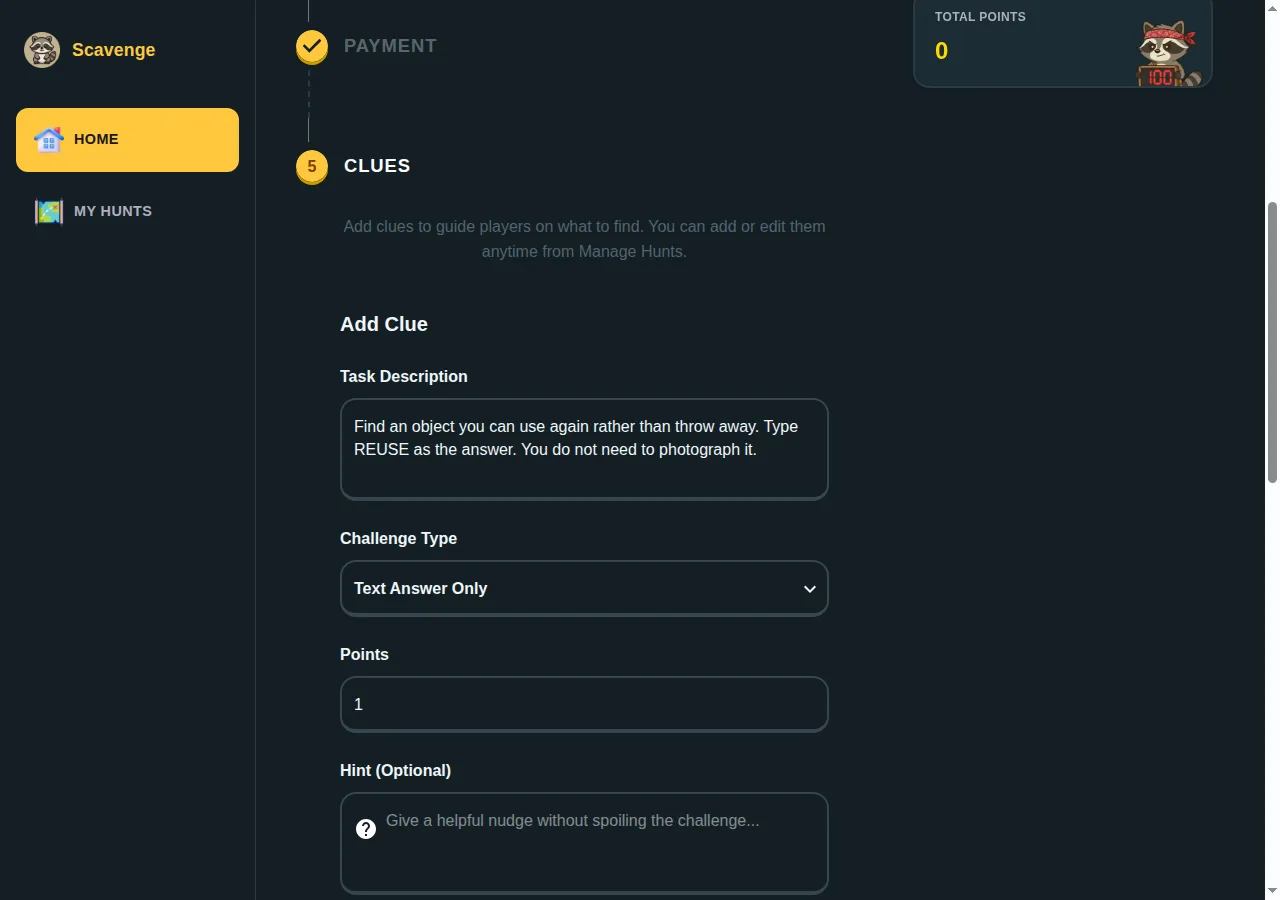
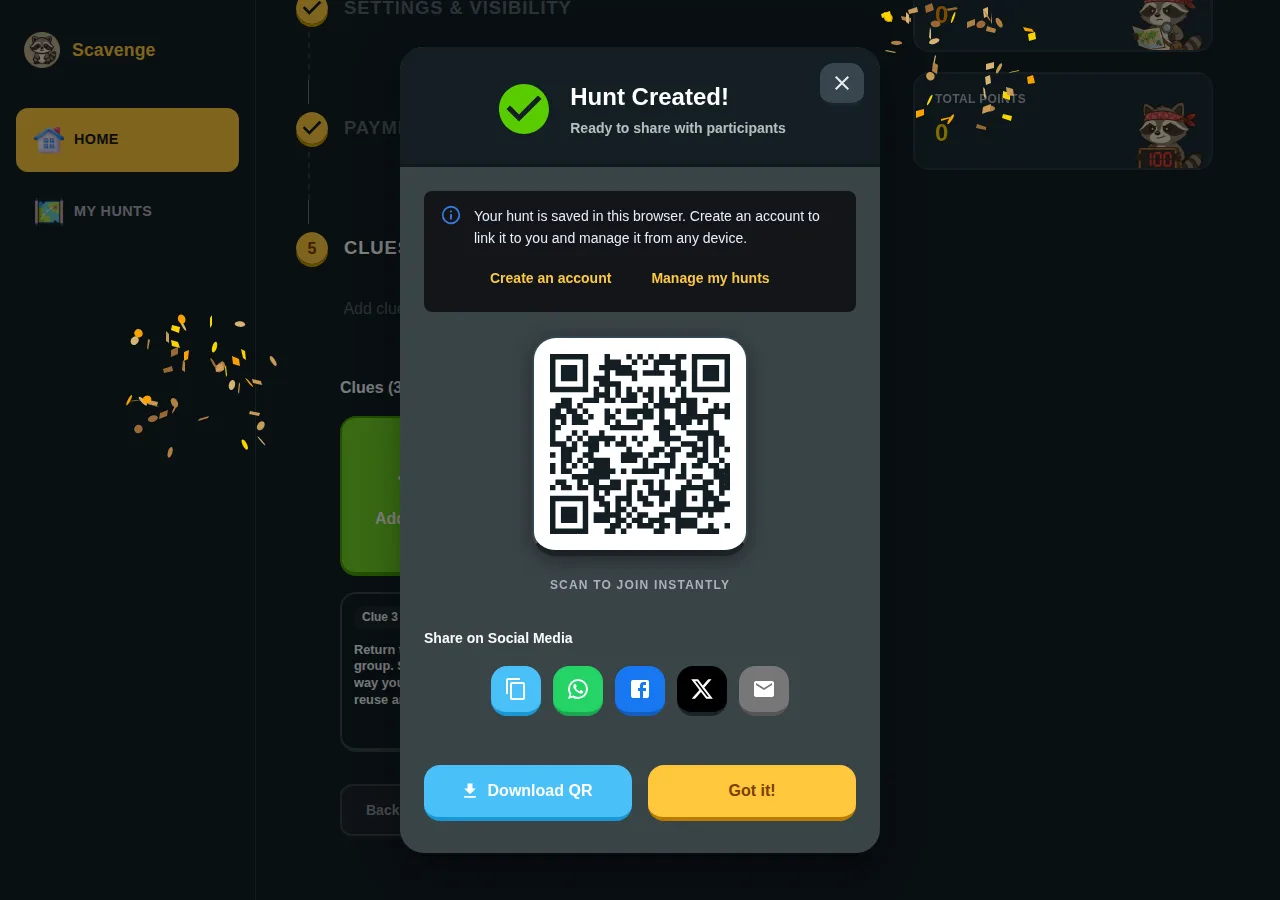
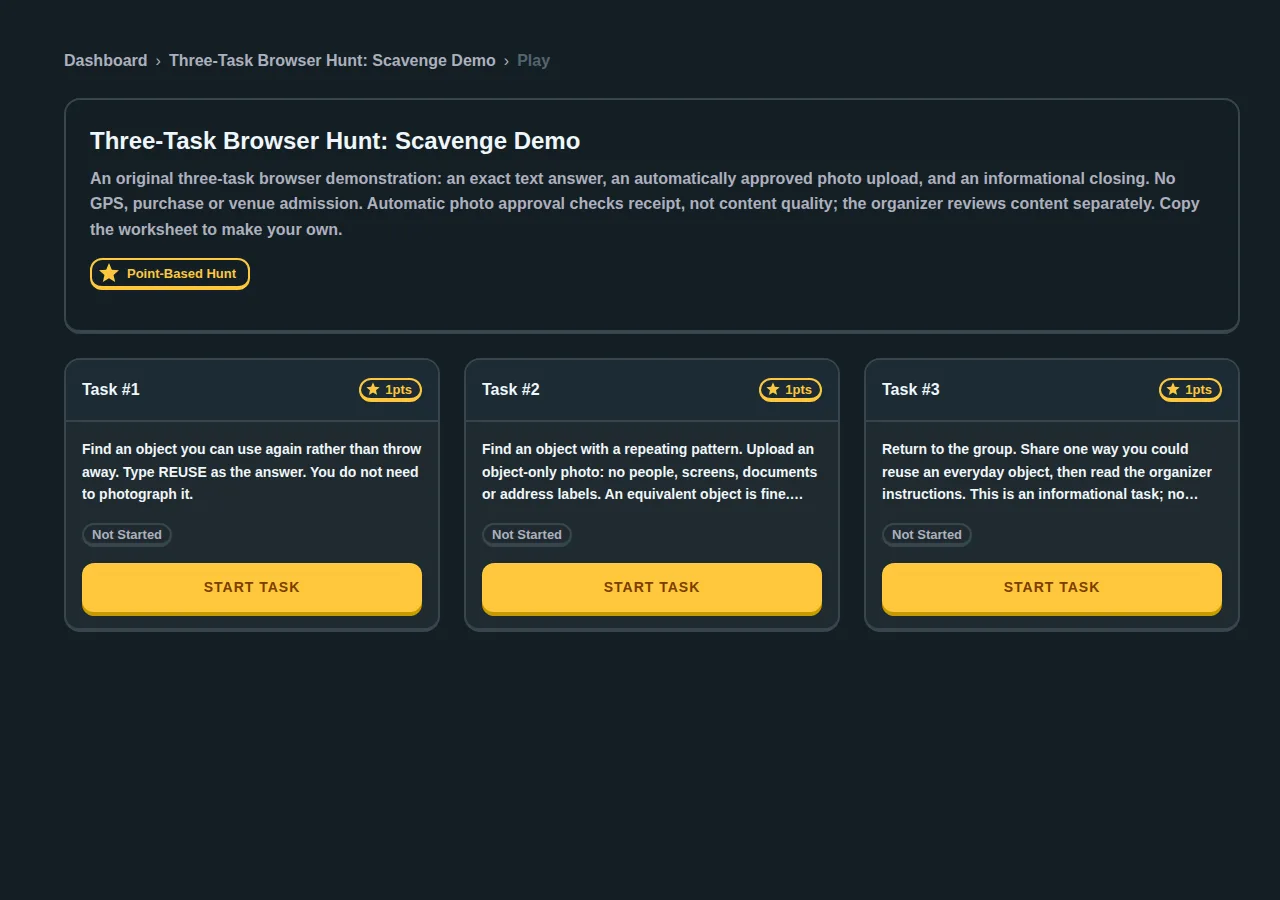
The pictured demonstration contains one exact text answer, one automatically approved photo upload and one informational closing task. We created it through the live guest builder and reached the participant view in another browser. Use the copyable three-task worksheet to make your own activity; the screenshots are examples, not an invitation to reuse another group’s event.
Questions to answer before changing tools
Does Goosechase require a download?
No. Its official participation page describes browser play and guest joining through an invite link. Test the invitation method your group will actually receive.
Is every Scavenge activity free?
No. Creation and listed free hunts are separate from paid hunts and personalized Date Hunt experiences. Check the selected hunt’s admission before joining. Guest creation does not enable paid-hunt or booking setup.
Will my existing content import automatically?
This guide uses manual rebuilding. Save your source material and check which task formats transfer. Never promise a feature match without testing it.
What should I compare for a managed event?
Compare content creation, facilitator responsibilities, review staffing, participant support, pricing and the report you will receive. A self-service builder and a full-service programme are different purchases.
For a broader shortlist, read our free-app comparison. For remote programme decisions, see Scavify alternatives for virtual hunts. Ready to test? Create your hunt.
What our guest-browser pilot demonstrated
In an internal test on 8 October 2026, we created a private three-task hunt, joined from a separate browser, submitted the exact text answer, uploaded a local image fixture and completed the informational task. The photo task used automatic approval for the scored guest sample. This checks upload receipt, not whether a photograph meets an organizer’s content rules. It was a browser workflow test, not a customer event, a timed setup comparison or a group capacity benchmark.
We also checked the moderation boundary: a guest creator could not open the account submission queue. Guest personal play can mark a photo task complete after upload even when approval and points are still pending. Do not assume a completed task means host approval. If you need manual scoring or prizes, test the intended organizer account and participant workflow, or review photos separately during the activity.